
CapCut
Good for Shorts, Reels, TikToks, captions, templates, quick effects, and editing from a phone or computer.
Use CapCutFind the right editing software without getting buried in features you do not need. Start with easy tools, move into professional editors when you are ready, or let AI handle the repetitive parts of the workflow.
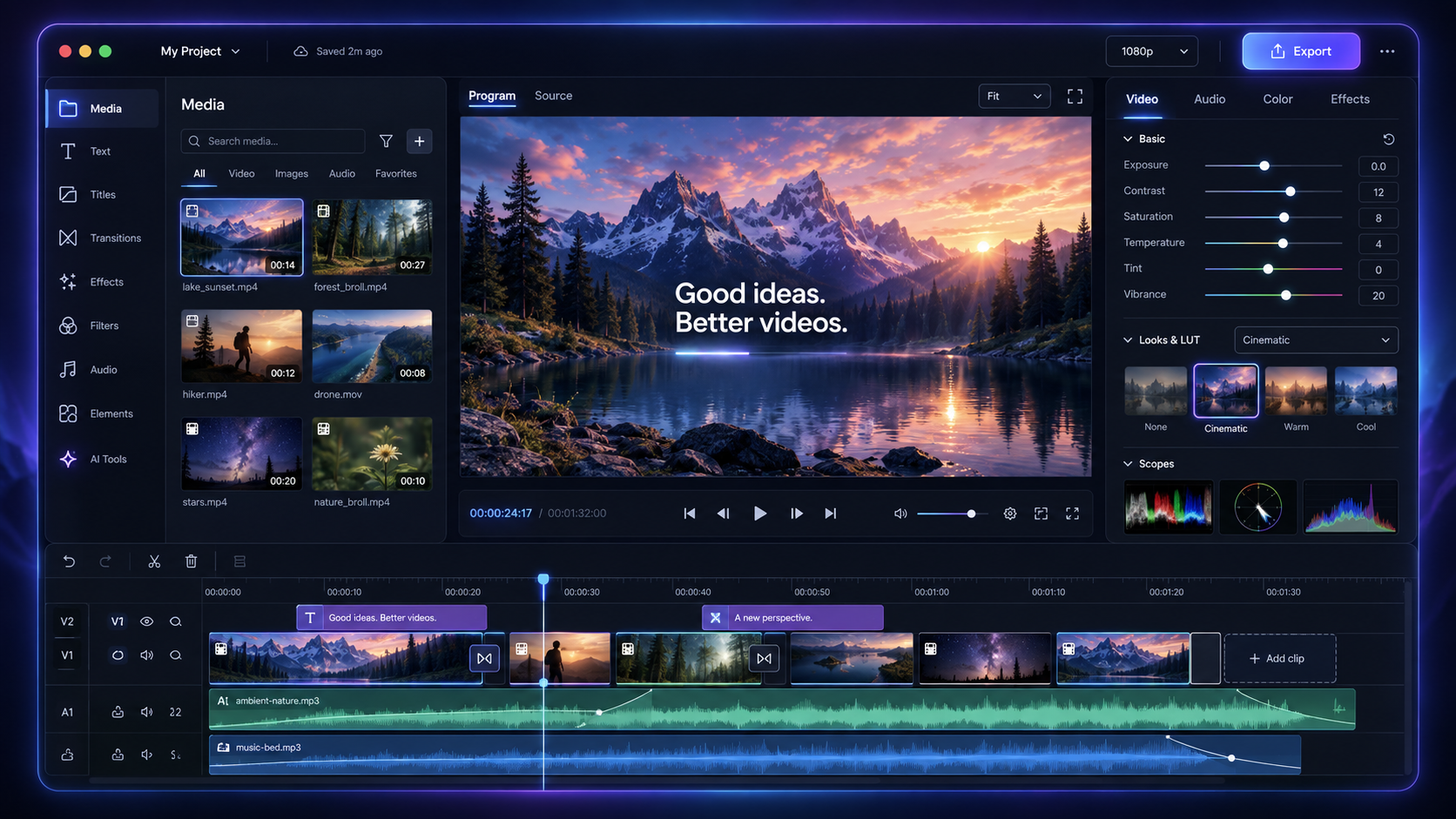
Choose the job first. The software comes second. These are the quickest starting points for the most common kinds of video projects.
May contain affiliate links
Good for Shorts, Reels, TikToks, captions, templates, quick effects, and editing from a phone or computer.
Use CapCutA friendly place to learn trimming, arranging clips, adding text, recording, and exporting without a complicated setup.
Use Clipchamp FreeA traditional timeline with effects and AI helpers, but less intimidating than many professional editing programs.
Explore FilmoraBest when you want professional editing, color, audio, and effects in one program and do not mind a steeper learning curve.
Download DaVinci ResolveUpload clips, trim, resize, clean audio, add captions, and export without installing a large desktop editor.
Try VEED — 50% OffTranscribes your recording so you can remove words from the transcript and cut the matching video at the same time.
Try Descript FreeThe buttons move around, but the basic process barely changes. Learn this once and every editor starts making more sense.
Import your video clips, photos, voice recordings, music, and sound effects into the project.
Drag clips onto the timeline in the order you want viewers to see and hear them.
Split and trim clips to remove mistakes, long pauses, weak takes, and anything slowing the video down.
Use captions, titles, music, transitions, color, and effects only where they improve the video.
Choose the size and quality for the platform, export an MP4, watch it once, then publish.
Start with the easiest tool that can finish your project. You can always graduate to a bigger editor later.
| Tool | Best for | Cost to start | Works on | Learning curve | How you begin | Open |
|---|---|---|---|---|---|---|
| CapCutSocial-first editor | Short-form videos, quick captions, trends | Free plan with paid upgrades | Web, desktop, mobile | Easy | New project, import clips, trim on the timeline, add captions, export. | Use CapCut |
| ClipchampMicrosoft editor | First edits, screen recordings, simple YouTube videos | Free 1080p exports without a watermark | Web, Windows | Easy | Create a video, import media, drag it onto the timeline, trim, add text, export. | Try Clipchamp |
| FilmoraCreator editor | YouTube, social content, effects without pro-level complexity | Free version; paid plans remove export limits and watermark | Windows, Mac, mobile | Easy–Medium | Start a project, import clips, arrange the timeline, use effects or AI tools, export. | Explore Filmora |
| DaVinci ResolveProfessional suite | Long videos, films, color work, advanced audio | Powerful free version; paid Studio upgrade | Windows, Mac, Linux | Medium–Advanced | Import on Media, cut on Edit, adjust color and sound, then export from Deliver. | Get Resolve |
| VEEDBrowser editor | Captions, resizing, quick marketing and social videos | Free to try; paid upgrades | Web browser | Easy | Upload a clip, trim, add captions or cleanup, choose a size, export. | Get 50% Off |
| DescriptText-based editor | Podcasts, interviews, tutorials, talking-head videos | Free plan; paid upgrades remove limits | Desktop, web | Easy | Import or record, let it transcribe, edit the words, clean the audio, export. | Try Descript |
| OpusClipAI clip maker | Turning one long video into several short clips | Free plan has a watermark; paid removes it | Web browser | Very easy | Upload a video or paste a link, choose clip settings, review the AI picks, export. | Try OpusClip |
There is no single “best” editor. The right choice depends on how much control you want, how much time you want to spend learning, and what kind of videos you actually make.

Fast, friendly editors for social clips, YouTube, Shorts, personal projects, and people who want to get moving without spending days learning a complicated interface.
How this level works: Pick a blank project or template, add your clips, drag them into order, trim the ends, add captions or music, then export. You can learn the entire basic process in one small project.

A strong middle ground for creators who want a real timeline, more effects, better control, and room to grow without jumping directly into a full professional production suite.
How this level works: You still drag clips onto a timeline, but you gain more tracks, keyframes, masking, motion controls, color tools, and effects. Start with cuts and audio before playing with every shiny button.

Professional editing, color grading, visual effects, motion graphics, and audio in one powerful program. The free version alone can take you very far.
How this level works: Organize footage into bins, build your edit on a multi-track timeline, mix audio, correct color, add effects, and control the final export. Learn one workspace at a time instead of trying to conquer the whole program on day one.

Premiere becomes much more powerful when your workflow also includes After Effects, Photoshop, Audition, and the rest of Adobe Creative Cloud.
How this level works: Edit and assemble in Premiere Pro, send advanced animation or effects to After Effects, clean difficult audio in Audition, and use Media Encoder when you need several export versions.
 Browser Editors
No large install. Open a tab, upload your clips, and get to work.
Quick editing, captions, resizing, dubbing, cleanup, and social-first tools.
Start: Upload a clip, trim it on the timeline, generate captions, choose the platform size, and export.
Get 50% Off VEEDFlexible browser editing for social video, collaboration, captions, and fast content creation.
Start: Open a blank canvas or template, add media, arrange scenes, add subtitles or text, and export.
Edit With KapwingA beginner-friendly Microsoft editor with useful free tools and simple exports.
Start: Create a video, import files, drag them onto the timeline, trim, add text or music, and export.
Edit With ClipchampDrag-and-drop editing for social posts, promos, presentations, and quick brand content.
Start: Choose a video size or template, drop content onto each page, set timing, add audio, and download.
Make a Canva VideoCloud-based editing with collaboration, captions, recording, and quick rendering.
Start: Import from your device or cloud storage, edit on the browser timeline, add captions, and publish.
Try FlixierFast marketing and explainer videos when speed matters more than deep timeline control.
Start: Pick a template, replace its scenes and text, change colors and audio, then export the finished promo.
Build With Biteable AI-Assisted Editing
Speed up clipping, transcripts, cleanup, captions, repurposing, and repetitive edits.
Edit spoken video by editing the transcript. Strong for podcasts, interviews, and talking-head content.
Start: Import or record, wait for the transcript, delete unwanted words, clean the sound, and export.
Edit With DescriptTurns long videos into shorter clips and reformats content for social platforms.
Start: Upload a long video or paste a link, choose clip settings, review the AI selections and captions, then export.
Make Clips With OpusClipCreates and assembles videos when you want more automation than a traditional timeline.
Start: Describe the video you want, review the generated script and scenes, replace weak media, and export.
Create With InVideo AITurns scripts, blog posts, webinars, and long-form content into shorter edited videos.
Start: Paste a script or article, let it build scenes, correct the visuals and captions, then export.
Turn Text Into VideoRecord remotely, generate transcripts, and create clips from interviews and podcasts.
Start: Invite guests to a recording, capture separate tracks, edit the transcript, create clips, and export.
Record With RiversideAuto trims silences, creates subtitles, and speeds up simple social edits.
Start: Upload a talking video, let it find pauses and subtitles, review every automatic cut, then export.
Try WisecutThe recommendations above are enough for most beginners. Open this directory only if you want to compare more specialized options.
Use MP4 unless a platform asks for something else. Then match the shape of the place where the video will live.